
December 23, 2025
Ai Workflows
Stop Doing Comps Manually: How to Build Your Own AI Real Estate Agent with n8n
Let’s face it: You’re a Realtor, and you are busy.
Sitting down to stare at rows and rows of spreadsheet data to run comparables just isn't appealing anymore. It’s tedious, it’s boring, and quite frankly, it’s a waste of your time.
But you still need that data. You need to know the numbers to come off as a neighborhood expert on your next listing appointment or in your next social media video.
In the video below, I break down exactly how to "steal" a workflow that takes those boring spreadsheets and turns them into a conversation. Imagine asking an AI, "What is the average price per square foot in this neighborhood?" and getting an instant, math-checked answer.
Below is the step-by-step breakdown of the tutorial so you can follow along as you watch.
Step 1: Get Your Data (The MLS Export)
As I mention in the video, the most important part of this process is the data. You need to feed the AI accurate info so it doesn't hallucinate.
Log into your MLS (I use Stellar in the tutorial, but this works for any).
Filter your search: Set it to the last 30 days. You don't want a massive dataset; you want recent, relevant market data.
Refine criteria: Select "Single Family Residence" and your target Zip Code.
Export: Select all and export the data.
Pro Tip: Use a custom export view (like my "Smart View") that only includes the data fields you actually need—Address, List Price, Status, SqFt—to keep it clean.
Step 2: Prep the Data in Google Sheets
Once you have your export, import it into a Google Sheet.
Here is the catch: The AI is smart, but it isn't a Realtor. It doesn't inherently know that "ACT" means Active, "PND" means Pending, or "SLD" means Sold. It also might get confused by cryptic column headers.
The Fix: You need to create a "Data Dictionary." As I explain in the walkthrough, you can actually ask ChatGPT or Gemini to help you with this. Paste your headers and abbreviations into a chat and ask it to write a system prompt explaining these terms to an AI assistant.
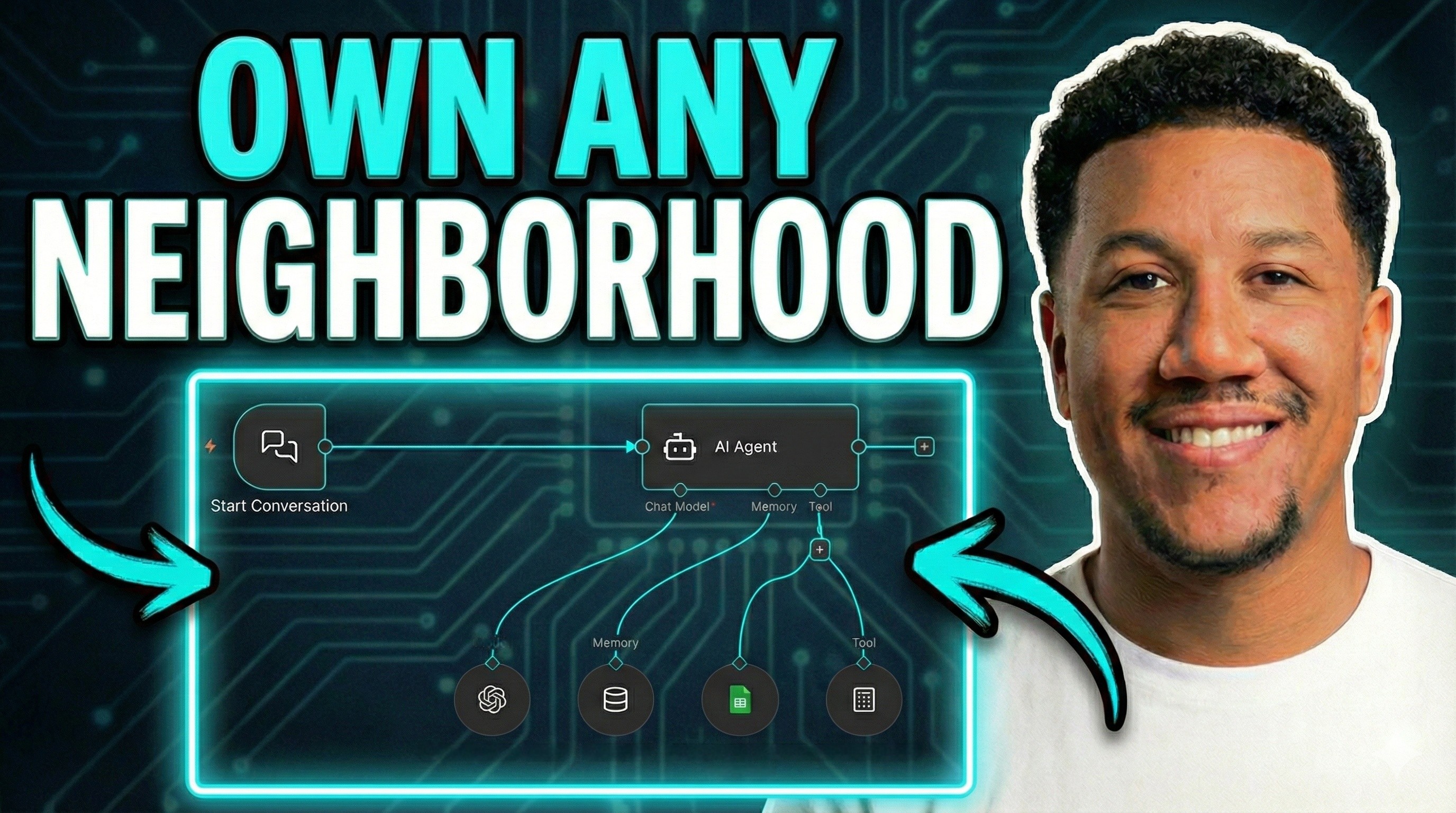
Step 3: The n8n Workflow (The "Hot Dog Factory")
If you skip to the 04:28 mark in the video, I take you behind the scenes into what I call the "Hot Dog Factory"—the engine that makes this work using n8n.
Here is how the flow is set up:
Start Conversation Trigger: This allows you to chat with the bot directly inside n8n.
AI Agent Node: This is the brain. We are using OpenAI’s chat model (you will need an API key).
Memory: I set the context window to 50 (the default is usually 5). This ensures the AI remembers previous questions in the conversation so you can dig deeper without repeating yourself.
The Tools: We give the AI access to two specific tools:
Google Sheets: To read your MLS data.
Calculator: To perform math (like averaging price per sq. ft.) so the AI doesn't make calculation errors.
Step 4: The Secret Sauce (The System Prompt)
The System Prompt is where you tell the AI exactly who it is and how to behave. In the video, I show you exactly where to paste this in the AI Agent node.
Your prompt should include:
Role: "You are an expert real estate assistant."
Dictionary: Define ACT, PND, SLD, and map "Legal Subdivision Name" to "Neighborhood."
Math Rules: Tell it to use the Calculator tool for all math and define your comp criteria (e.g., "Use properties within +/- 20% of the subject square footage").
Strict Instructions: "Always check the property dataset tool every time I ask a question."
The Result: Chatting with Your Data
Once this is set up, you stop filtering spreadsheets and start asking questions. In the demo, you can see how fast it responds to things like:
"Show me all available homes in the Boca Park subdivision."
"What is the average price per square foot for the sold properties? Check your math."
Bonus Feature: Web Search I also added a web search tool to the agent. This allows you to pivot from hard data to lifestyle questions like "What are the best schools in this area?" or "Where are the best places to eat?"
Now, you have a full analysis of the market and local lifestyle highlights ready for your client or your next Instagram Reel, all in under 60 seconds.
Get the Workflow
You don't have to build this from scratch. I’ve made this workflow available for free. Download it using the link below, watch the video to see how to plug in your keys, and start becoming the neighborhood expert today.
Click here to get the workflow.